
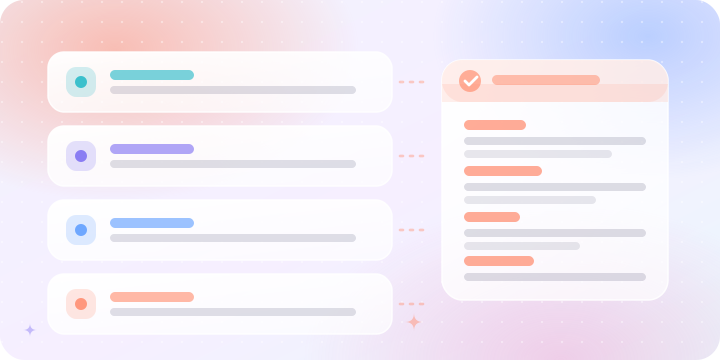
Claude loves headings
Instead of “can you make this better and use a nicer tone and maybe organize it for a website and don't make it too long…”, write it as labeled blocks — Task: rewrite this website section. Tone: professional, warm, simple. Format: short headline, subheadline, 3 bullets. Avoid: long paragraphs and generic claims. Cleaner, easier, better.
Give Claude the job
Start with the role so Claude knows how to think: act as a UX writer, a presentation designer, a website strategist, a senior editor, a coding assistant. With a role, Claude answers like the right person.
Give context before the task
A small trick: start with context, not the task. Better order: “We are a real estate developer in Dubai creating a premium company website. The audience is investors and buyers. Write homepage copy.” Context first, task second.
A — “Make it nice.”
B — “Make it feel premium, short, and confident, like an Apple product page.”
Show answer
B — Claude now understands the style target.
Tell Claude what to avoid
Claude is helpful — sometimes too helpful. Give boundaries: do not add explanation, do not invent numbers, do not change the structure, only update this section, keep it short, use the same style.
Use output format
Claude gets much better when you say exactly how the answer should look: return as a table, as JSON, as slide-by-slide content, only the final copy, or with headings and bullets. Format is control.
“Improve this.”
Claude will wonder: improve what, for whom, how much, in what style?
“Act as a senior UX writer. Improve the following website hero section for a premium AI prompt generator called Prompaty. Keep it short, friendly, and clear. Return 3 headline options, 3 subheadline options, and 3 CTA options. Avoid technical language and long paragraphs.”
- Gave Claude a role?
- Added context?
- Said the exact task?
- Mentioned the audience?
- Chose a style?
- Defined the output format?
- Said what to avoid?
Ready-to-copy prompt
Act as a senior [role].
Context: [background].
Task: [exactly what you want].
Audience: [who this is for].
Style: use a [tone/style] style.
Output format: return the answer as [format].
Rules:
- Do not invent facts.
- Do not add unnecessary explanation.
- Keep the output clear and useful.
- Follow the structure exactly.
Act as a senior website content writer.
Context: Prompaty helps users generate structured prompts for AI tools.
Task: write a short About section for the homepage.
Audience: people who use ChatGPT, Claude, Gemini, and AI image tools for work.
Style: friendly, modern, clear, slightly playful.
Output format: one headline, one short paragraph, and three feature cards.
Rules: no technical jargon, not too long, no fake numbers.
Final takeaway
Claude is powerful, but structure makes it sharper. Give it sections, examples, boundaries, and the format — then Claude stops guessing and starts helping properly.