
-
 DS01
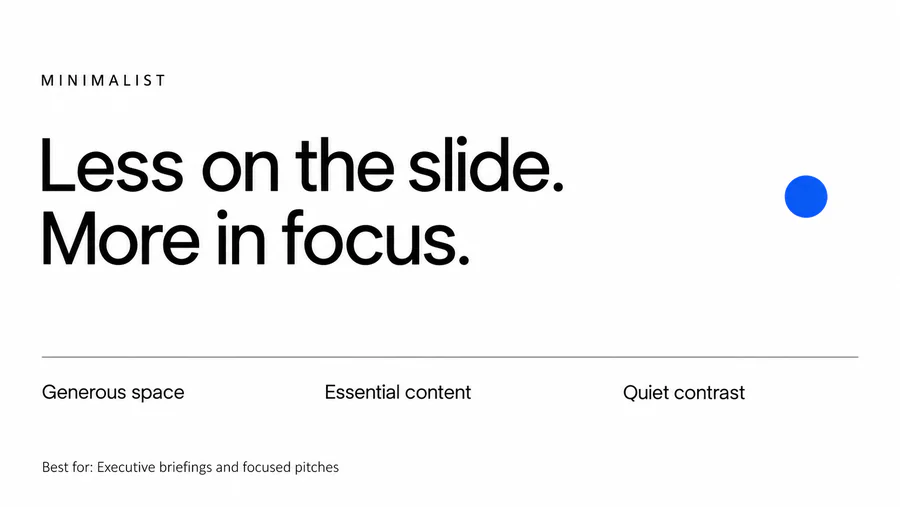
DS01Minimalist
Uses generous empty space, few colors, simple type, and only essential elements.
Best for Executive briefings, clear product stories, and focused pitches.
-
 DS02
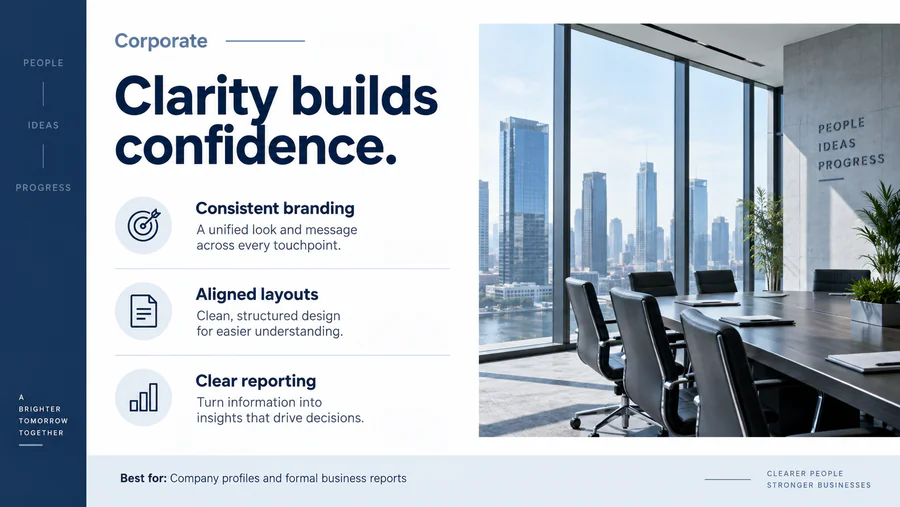
DS02Corporate
Uses consistent branding, restrained colors, aligned layouts, and conventional charts.
Best for Company profiles, business reports, and formal client meetings.
-
 DS03
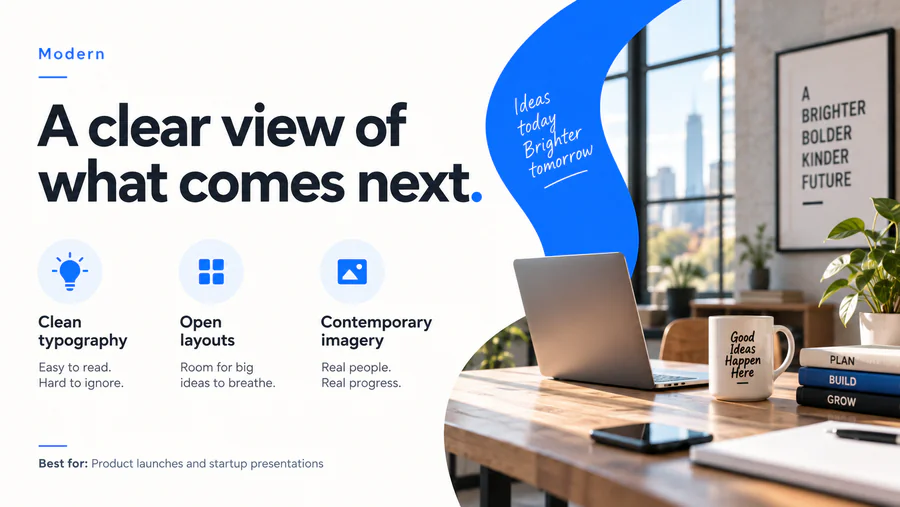
DS03Modern
Combines clean sans serif type, open layouts, contemporary imagery, and clear hierarchy.
Best for Business presentations, product launches, and startup decks.
-
 DS04
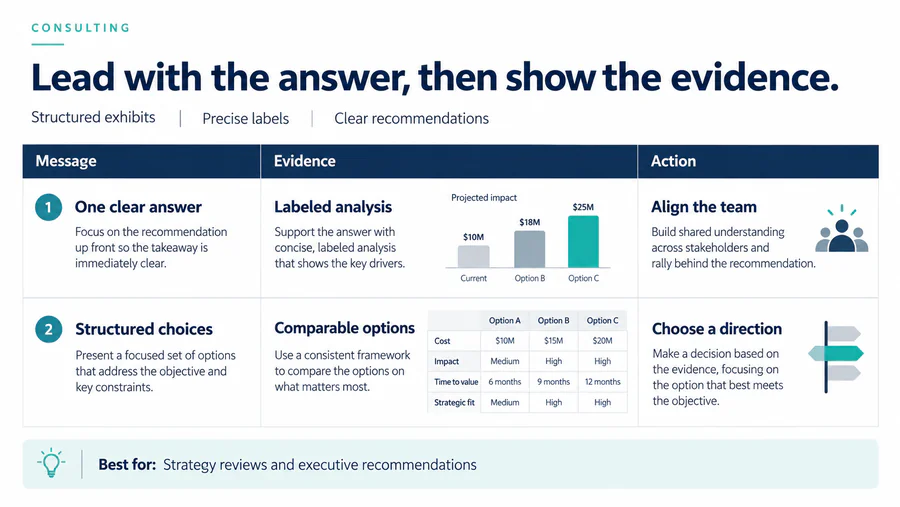
DS04Consulting
Uses conclusion-led headlines, structured exhibits, precise labels, and compact evidence.
Best for Strategy reviews, executive recommendations, and analysis.
-
 DS05
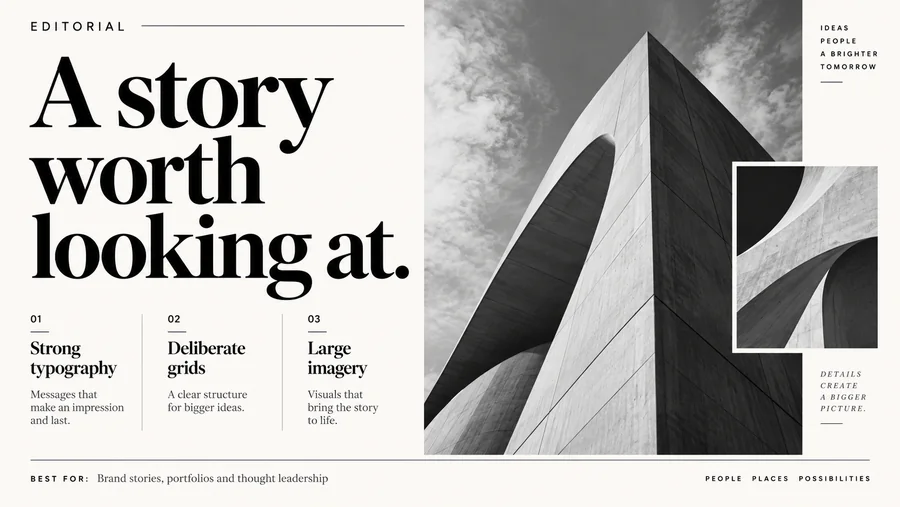
DS05Editorial
Borrows magazine conventions such as strong typography, deliberate grids, and large imagery.
Best for Brand stories, portfolios, and thought leadership.
-
 DS06
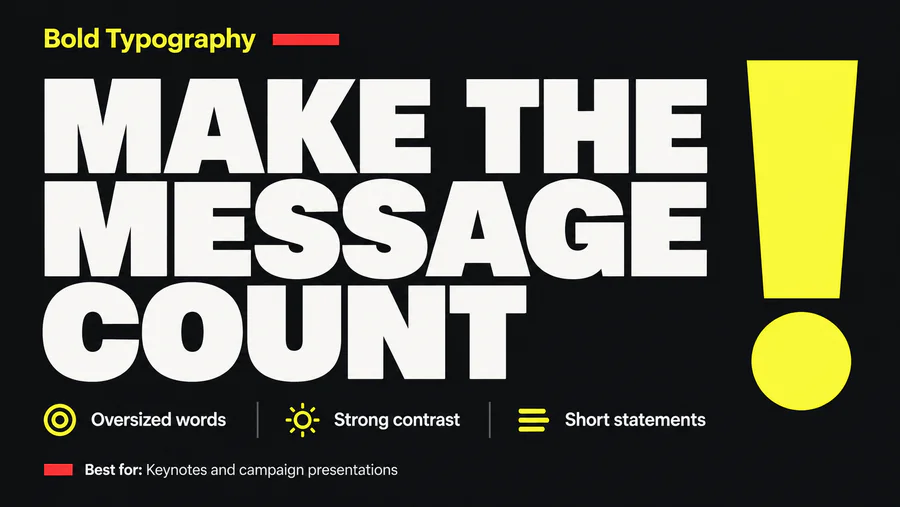
DS06Bold Typography
Makes oversized words, strong type contrast, and short statements the main visual elements.
Best for Keynotes, campaign ideas, and memorable opening slides.
-
 DS07
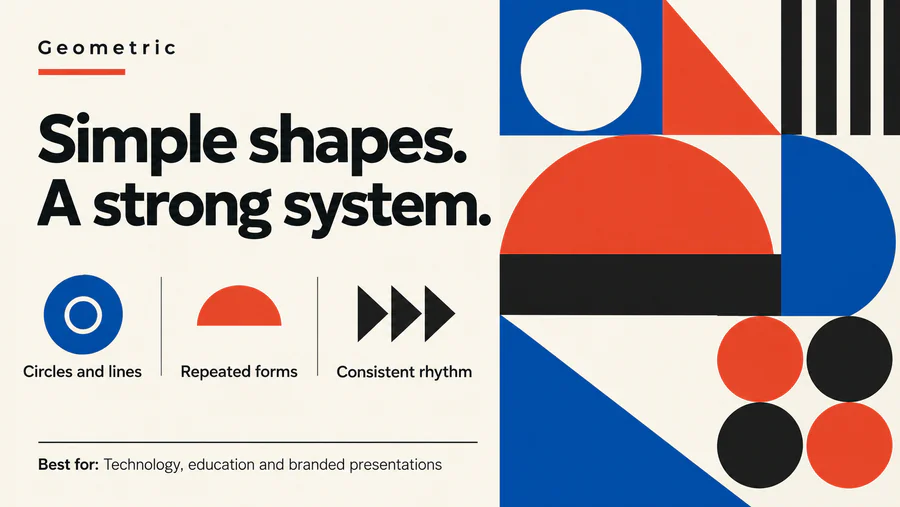
DS07Geometric
Builds compositions from circles, triangles, rectangles, lines, and repeated shapes.
Best for Technology, education, and visually consistent branded decks.
-
 DS08
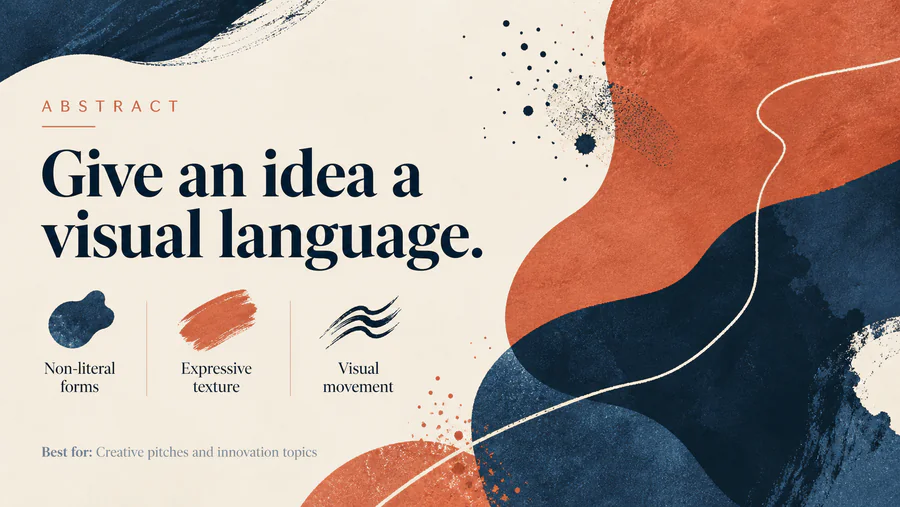
DS08Abstract
Uses non-literal shapes, patterns, or textures to suggest a mood or concept.
Best for Creative pitches, innovation topics, and versatile slide backgrounds.
-
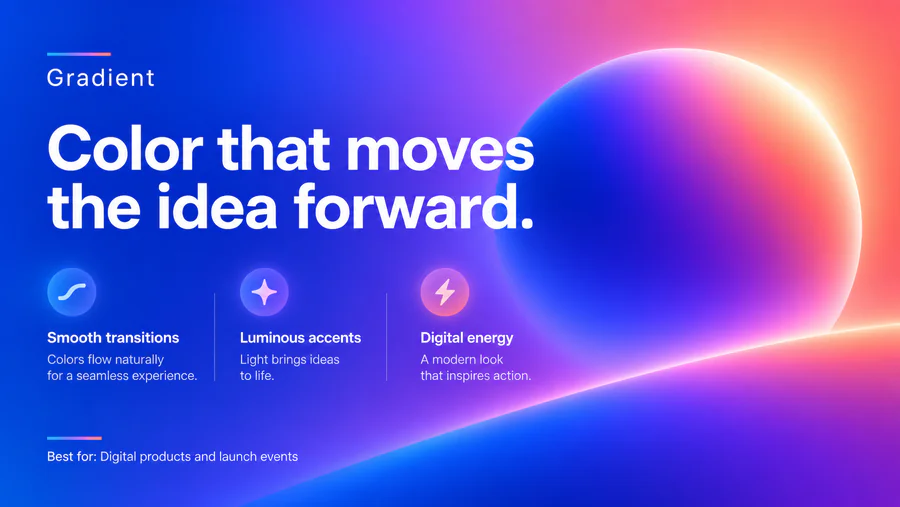 DS09
DS09Gradient
Uses smooth color transitions in backgrounds, shapes, or accents.
Best for Digital products, launch events, and contemporary brand presentations.
-
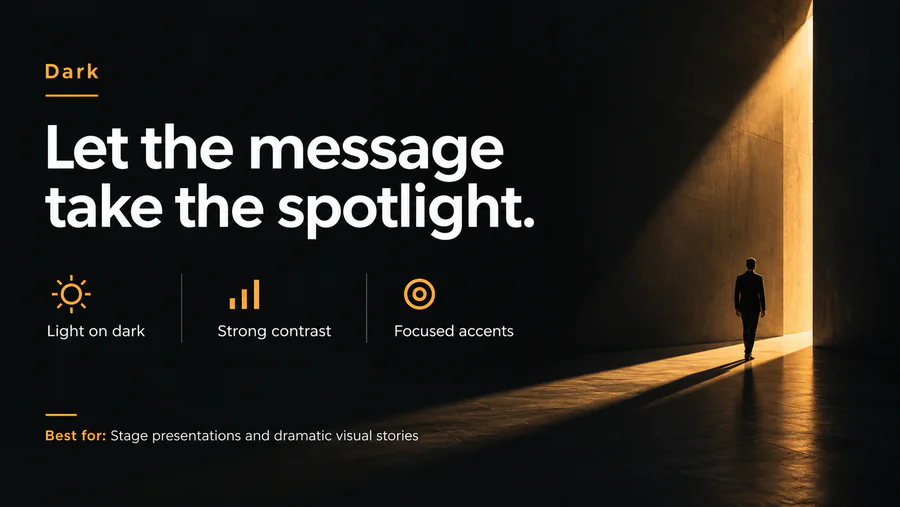 DS10
DS10Dark
Places light text and bright accents on dark backgrounds with strong contrast.
Best for Stage presentations, technology decks, and dramatic visual stories.
-
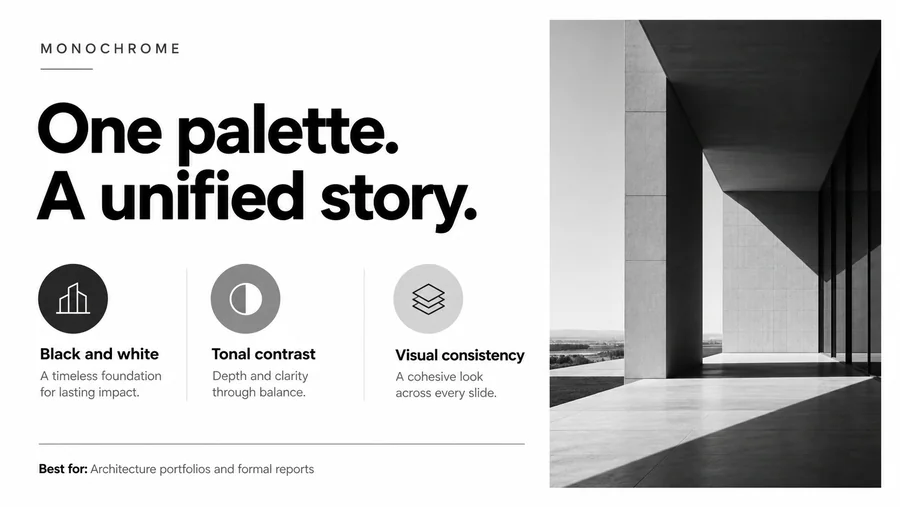 DS11
DS11Monochrome
Uses black and white or variations of one color to create a unified look.
Best for Architecture portfolios, formal reports, and restrained branding.
-
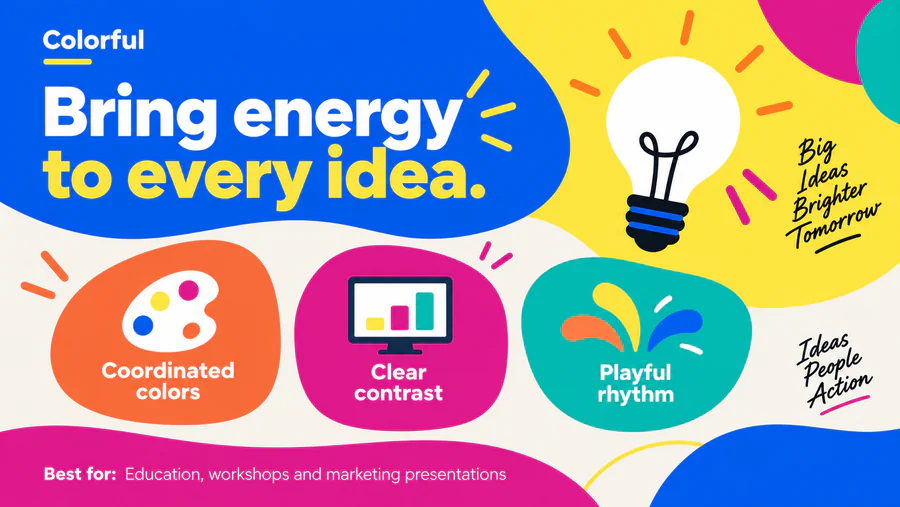 DS12
DS12Colorful
Uses several coordinated colors and clear contrast to create an energetic appearance.
Best for Education, creative workshops, and marketing presentations.
-
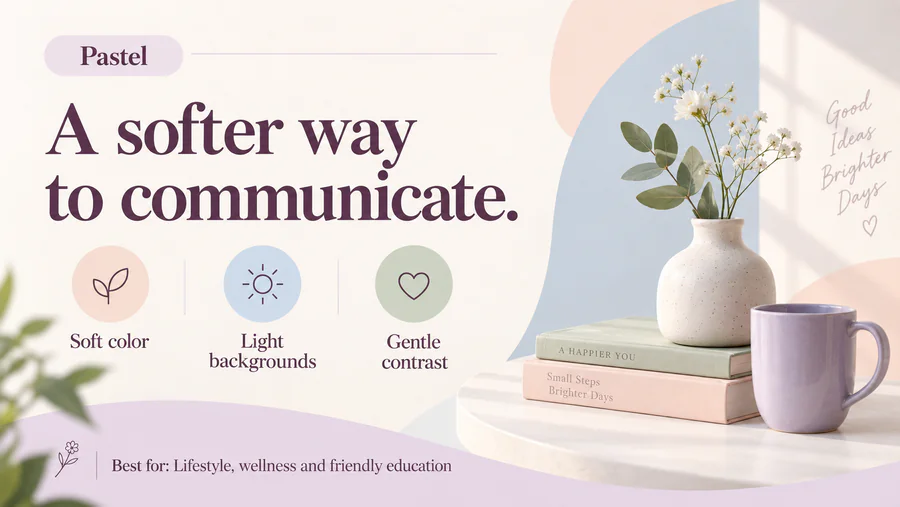 DS13
DS13Pastel
Uses soft, low-saturation colors with light backgrounds and gentle contrast.
Best for Lifestyle, wellness, beauty, and friendly educational content.
-
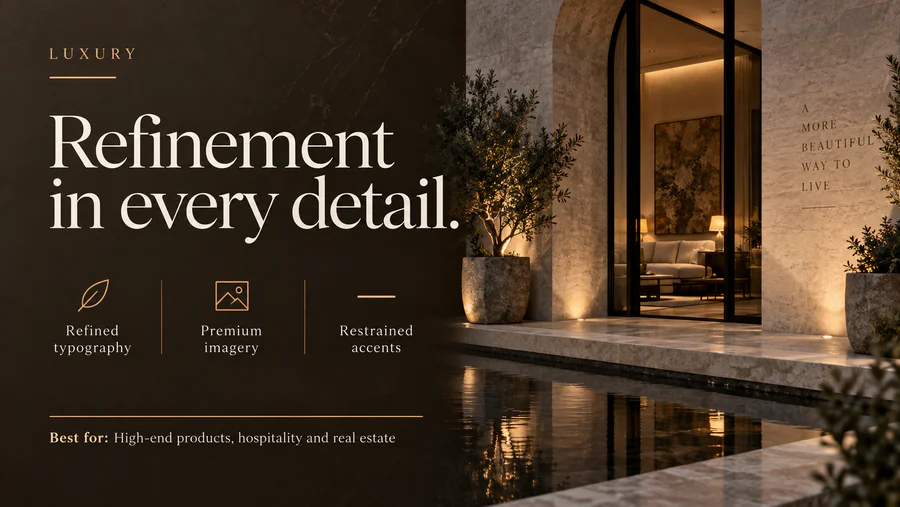 DS14
DS14Luxury
Uses refined typography, generous spacing, premium imagery, and restrained accents.
Best for High-end products, hospitality, real estate, and fashion.
-
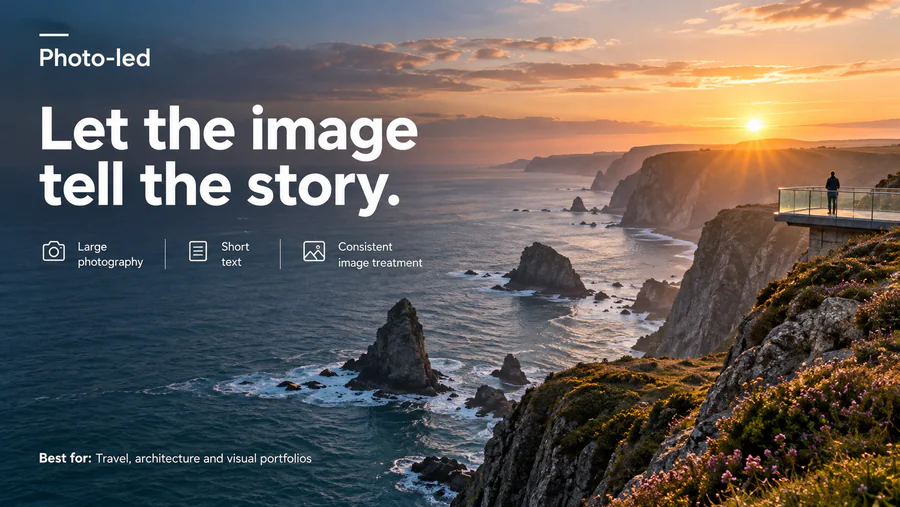 DS15
DS15Photo-led
Lets large photographs carry the story, with short text and consistent image treatment.
Best for Travel, architecture, lifestyle, and visual portfolios.
-
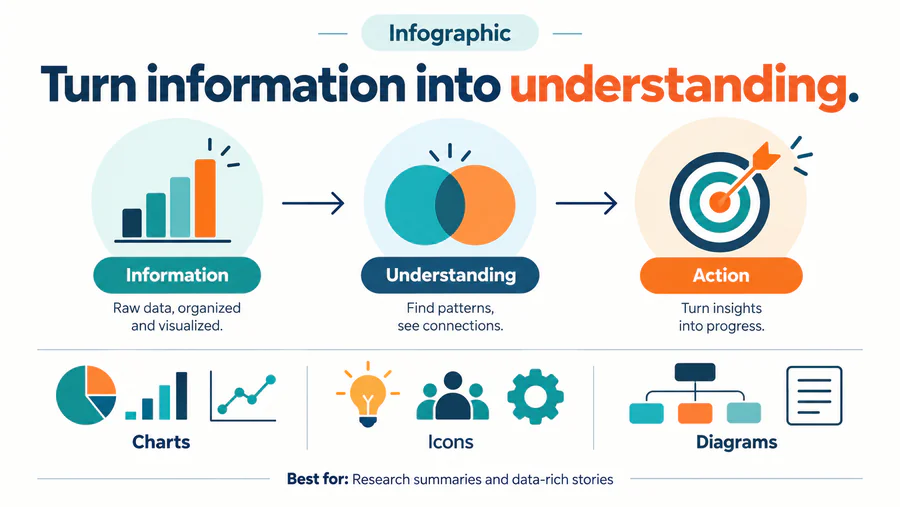 DS16
DS16Infographic
Explains information through coordinated charts, icons, diagrams, and visual comparisons.
Best for Research summaries, processes, and data-rich stories.
-
 DS17
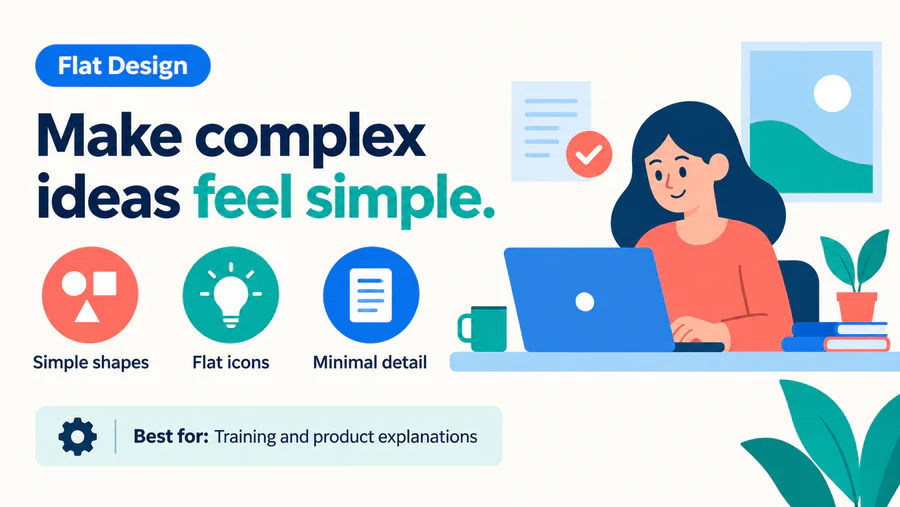
DS17Flat Design
Uses simple two-dimensional shapes and icons with minimal shading or texture.
Best for Training, product explanations, and clear process visuals.
-
 DS18
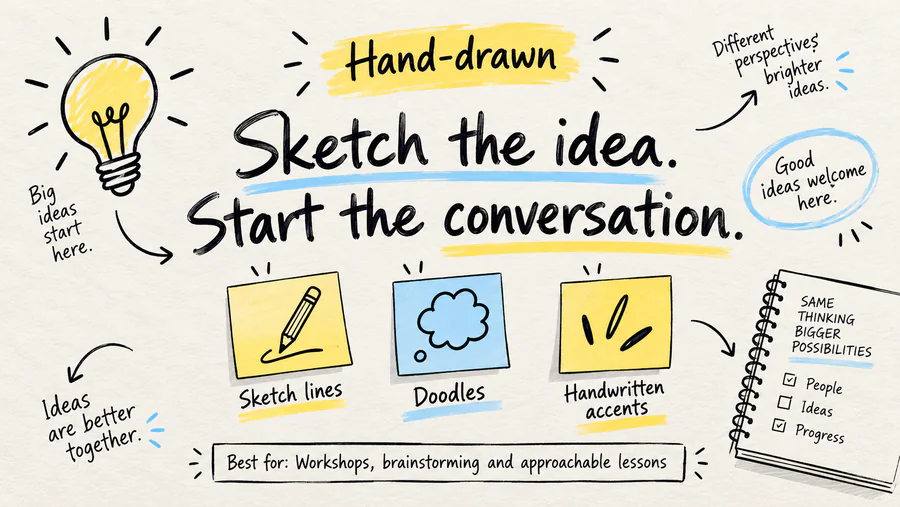
DS18Hand-drawn
Uses sketch-like lines, doodles, handwritten accents, and informal illustrations.
Best for Workshops, brainstorming, and approachable lessons.
-
 DS19
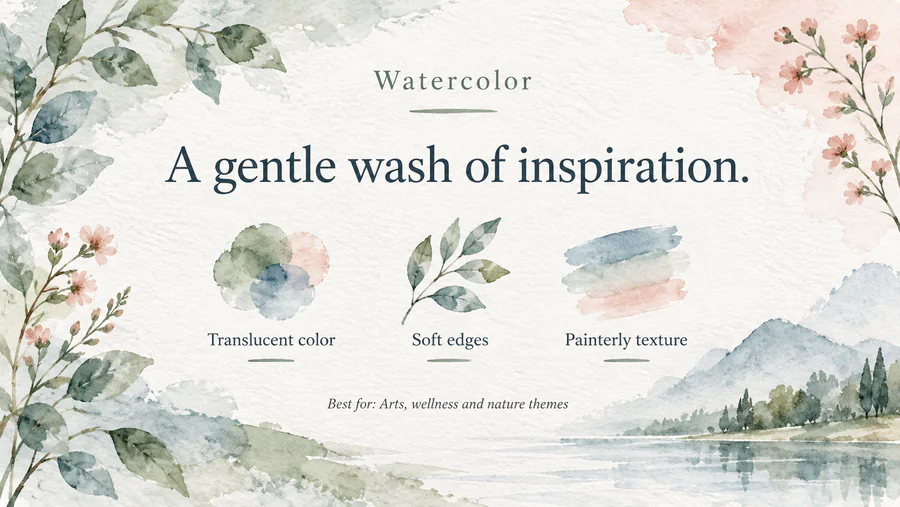
DS19Watercolor
Uses translucent paint washes, soft edges, and lightly textured illustrations.
Best for Arts, lifestyle, wellness, and nature themes.
-
 DS20
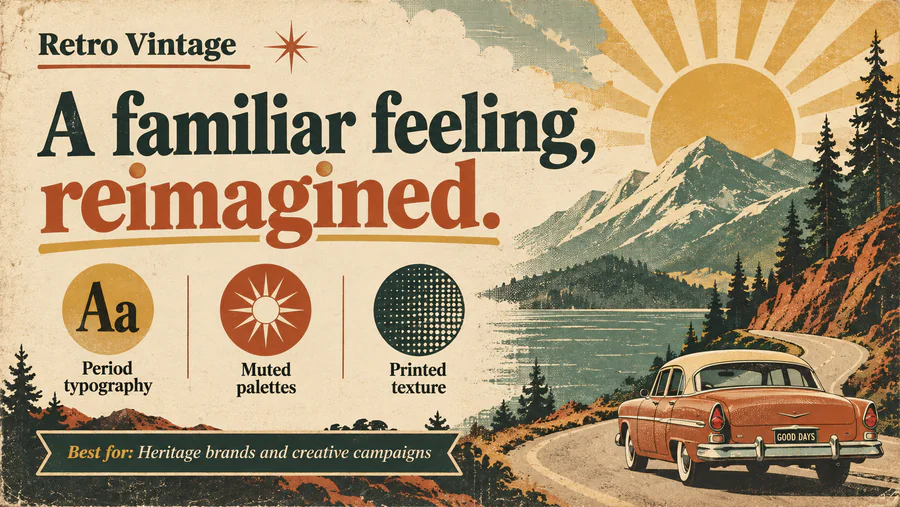
DS20Retro Vintage
Uses period-inspired typography, muted palettes, texture, or nostalgic graphics.
Best for Heritage brands, historical topics, and creative campaigns.
-
 DS21
DS21Futuristic Tech
Uses digital grids, luminous accents, interface motifs, and technological imagery.
Best for AI, software, innovation, and technology keynotes.
-
 DS22
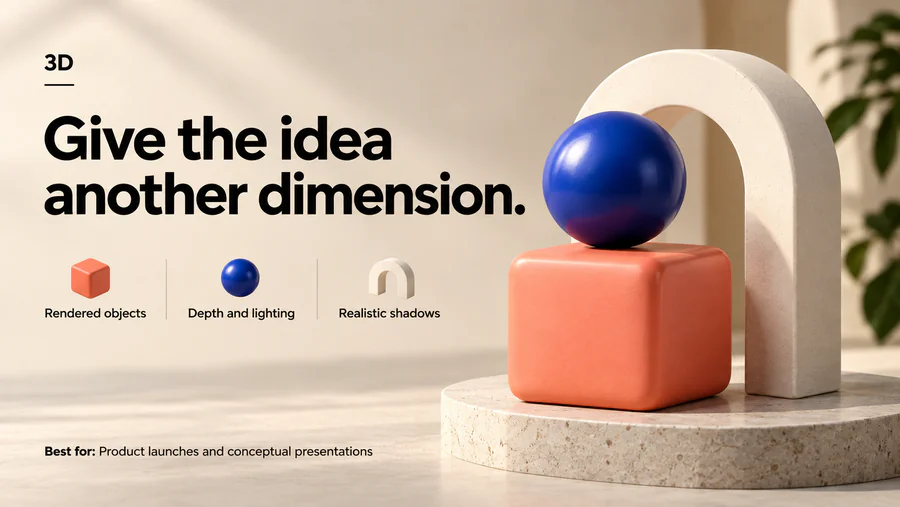
DS223D
Uses rendered objects, depth, lighting, and shadows as prominent visual elements.
Best for Product launches, conceptual visuals, and technology presentations.
-
 DS23
DS23Isometric
Depicts objects or systems from a consistent angled view using parallel axes.
Best for System overviews, logistics, infrastructure, and process explanations.
-
 DS24
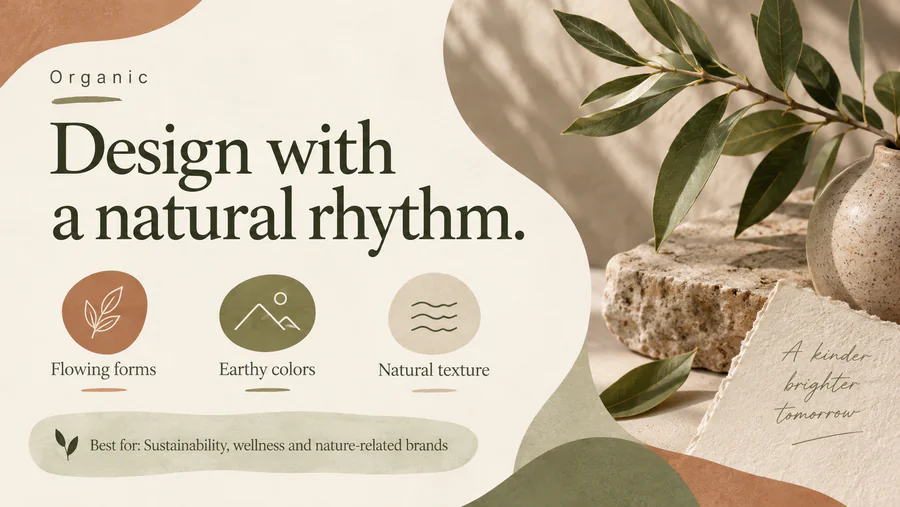
DS24Organic
Uses flowing forms, natural colors, soft curves, and botanical or material textures.
Best for Sustainability, wellness, food, and nature-related brands.
-
 DS25
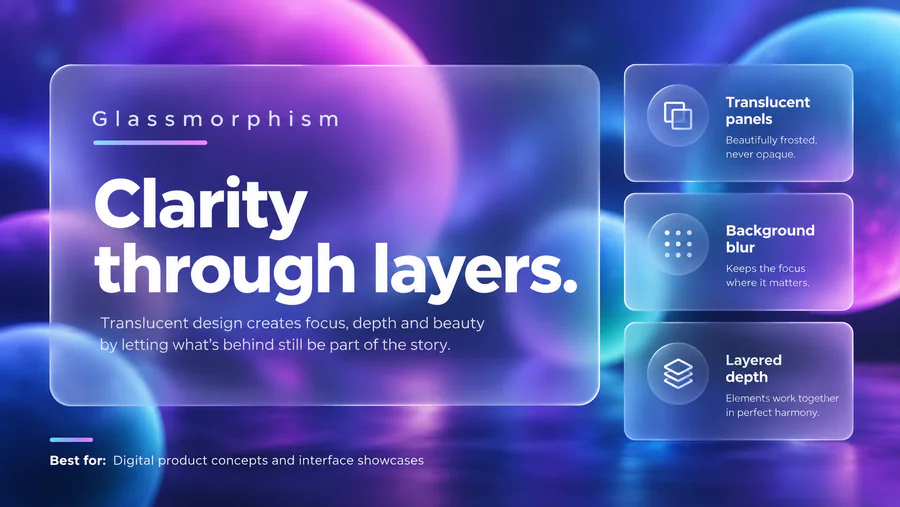
DS25Glassmorphism
Uses translucent panels, blurred backgrounds, fine borders, and subtle layered depth.
Best for Digital product concepts, interface showcases, and modern technology decks.
No keyword in this pack matches that search.