Image Style

Presentation formats — diagrams, layouts and explanatory images. Every keyword shows its own picture beside a plain description — tap an image to see it up close.

Showing 25 of 25

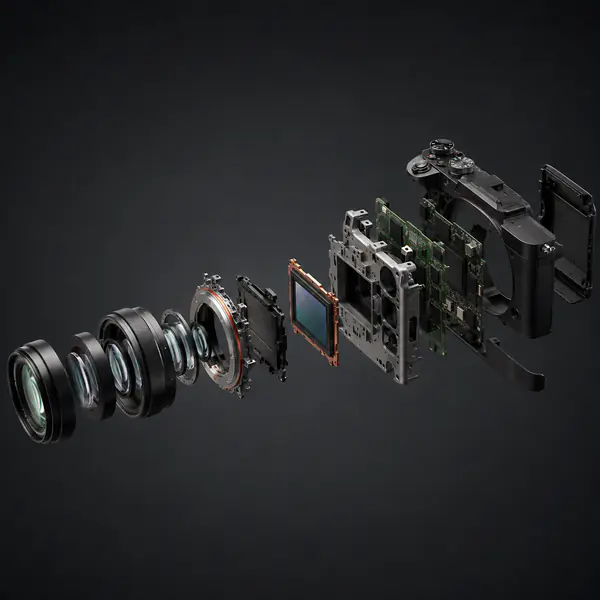
  • Exploded View — Components are separated along assembly axes while preserving their original order and spatial relationship
    01

    Exploded View

    Components are separated along assembly axes while preserving their original order and spatial relationship.

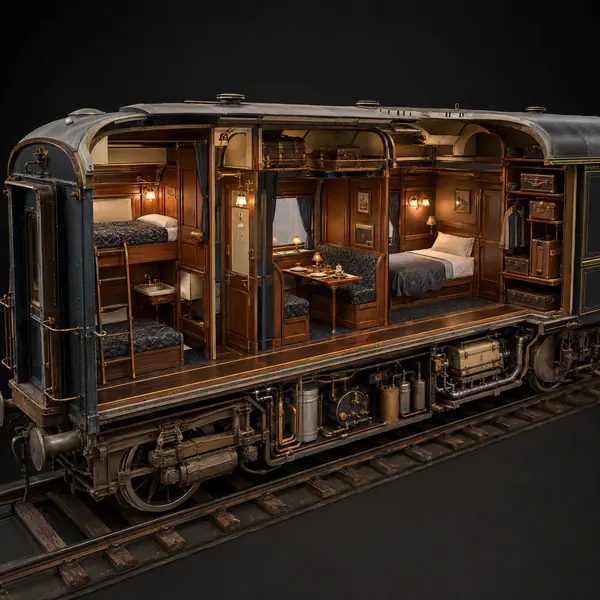
  • Cutaway View — Part of an object's exterior is removed to reveal important interior spaces or mechanisms
    02

    Cutaway View

    Part of an object's exterior is removed to reveal important interior spaces or mechanisms.

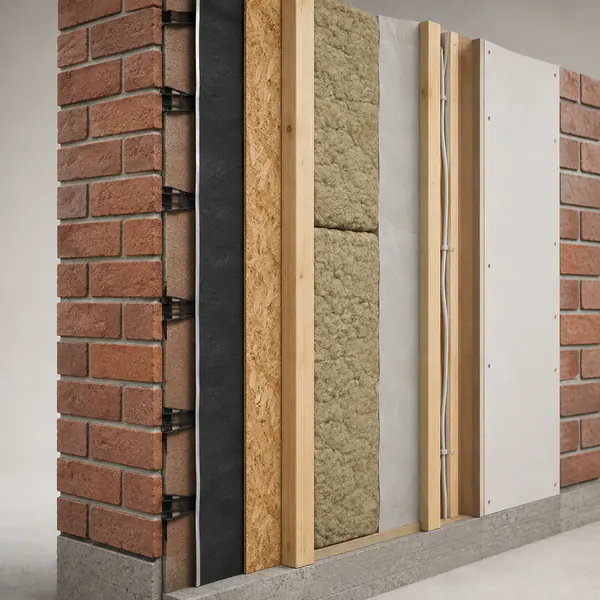
  • Cross-Section — A clean slice through an object exposes internal materials, cavities, and structural relationships
    03

    Cross-Section

    A clean slice through an object exposes internal materials, cavities, and structural relationships.

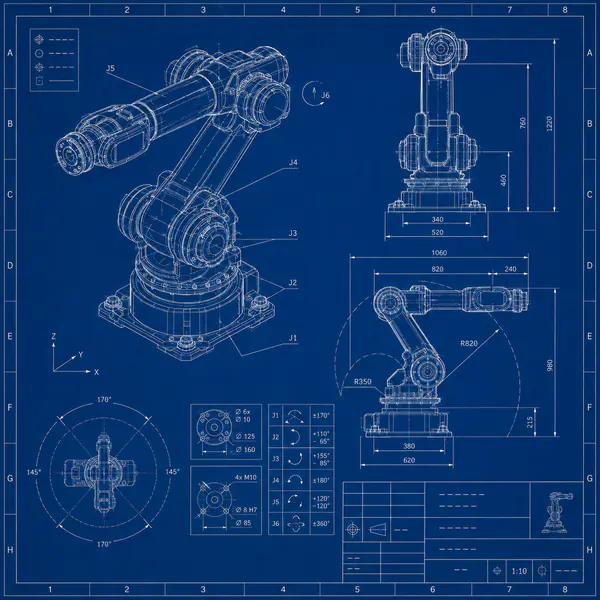
  • Blueprint Layout — Technical linework, dimensions, notes, and title blocks are arranged like formal construction documentation
    04

    Blueprint Layout

    Technical linework, dimensions, notes, and title blocks are arranged like formal construction documentation.

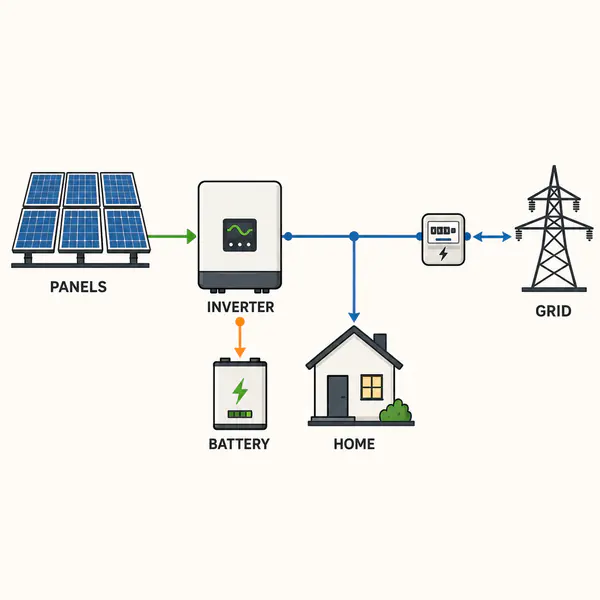
  • Schematic Diagram — Simplified symbols and connections explain how components relate without depicting realistic physical appearance
    05

    Schematic Diagram

    Simplified symbols and connections explain how components relate without depicting realistic physical appearance.

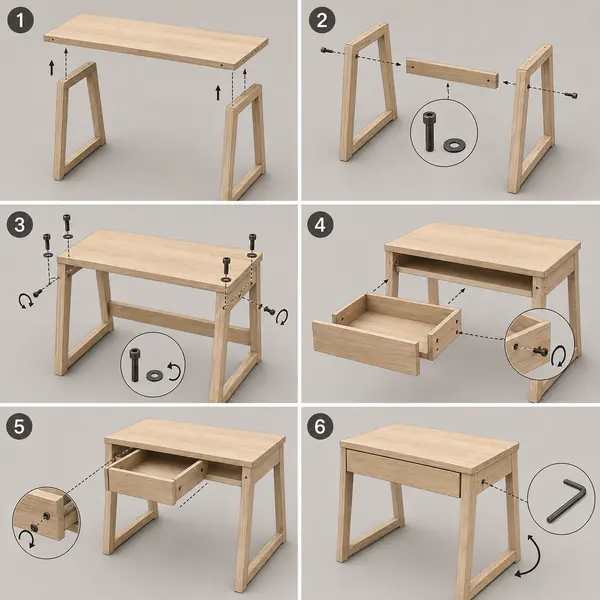
  • Assembly Diagram — Parts appear in joining order with alignment cues showing how to build the object
    06

    Assembly Diagram

    Parts appear in joining order with alignment cues showing how to build the object.

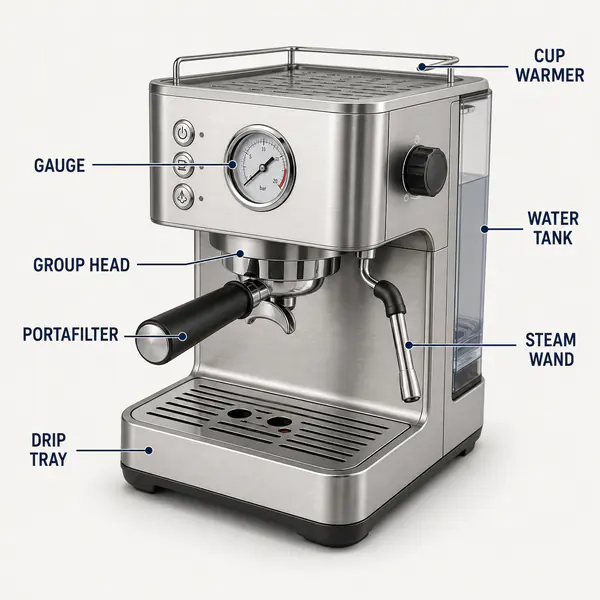
  • Annotated Diagram — Labels, arrows, and short notes directly explain important regions within a central visual
    07

    Annotated Diagram

    Labels, arrows, and short notes directly explain important regions within a central visual.

  • Instructional Diagram — Simple pictures, arrows, and minimal text guide a user through a practical action
    08

    Instructional Diagram

    Simple pictures, arrows, and minimal text guide a user through a practical action.

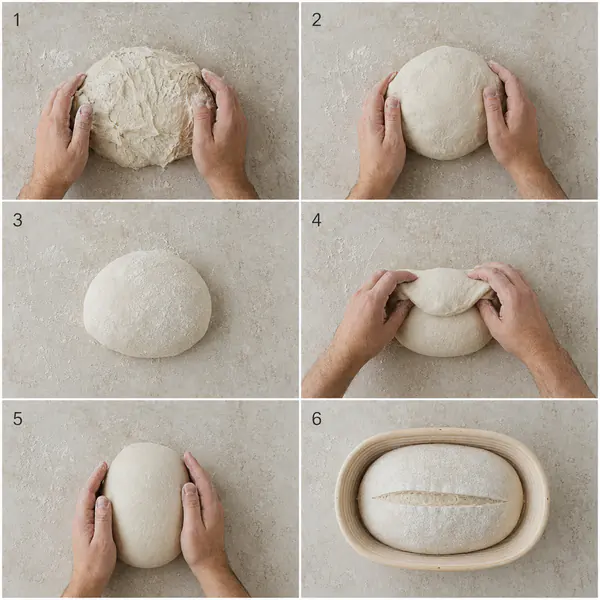
  • Step-by-Step Sequence — Ordered frames divide a process into clear stages that can be followed individually
    09

    Step-by-Step Sequence

    Ordered frames divide a process into clear stages that can be followed individually.

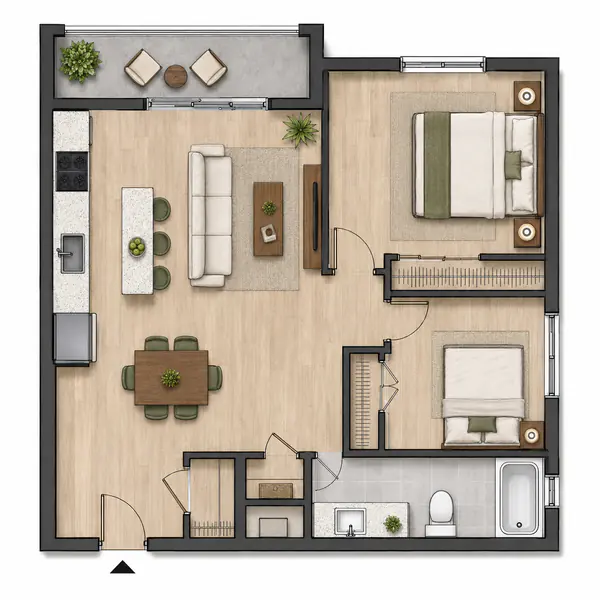
  • Floor Plan — Rooms, walls, doors, fixtures, and furniture are shown from directly above at scale
    10

    Floor Plan

    Rooms, walls, doors, fixtures, and furniture are shown from directly above at scale.

  • Infographic — Illustrations, icons, labels, and concise data are combined into a guided visual explanation
    11

    Infographic

    Illustrations, icons, labels, and concise data are combined into a guided visual explanation.

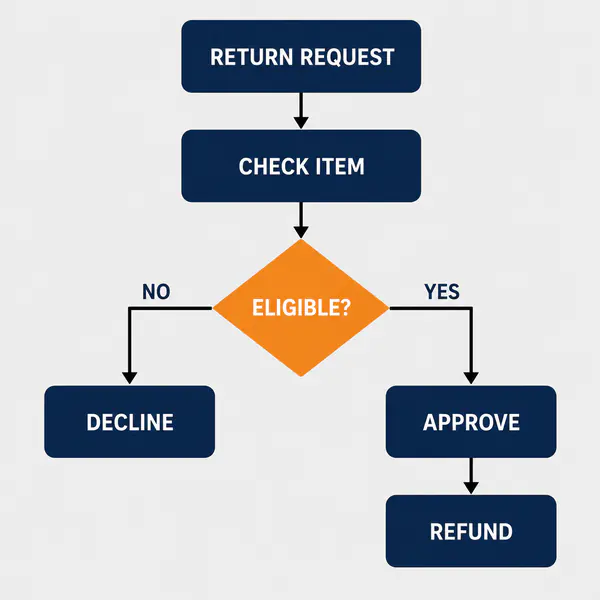
  • Flowchart — Connected shapes and arrows map actions, choices, and outcomes through a defined process
    12

    Flowchart

    Connected shapes and arrows map actions, choices, and outcomes through a defined process.

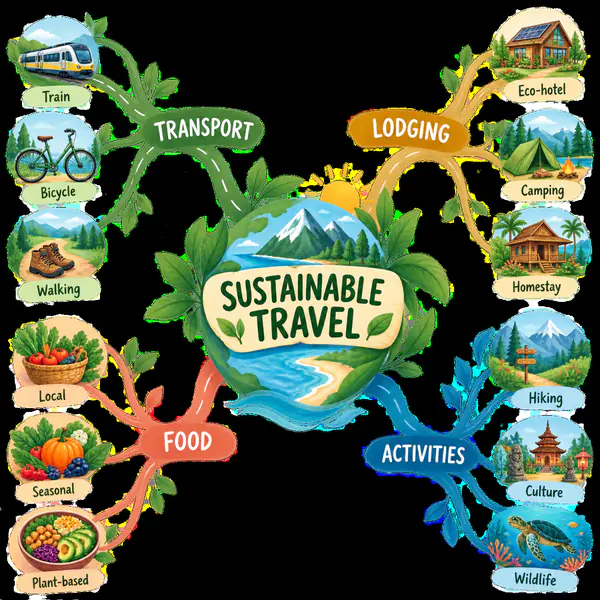
  • Mind Map — Ideas radiate from one central topic into loosely organized branches and subtopics
    13

    Mind Map

    Ideas radiate from one central topic into loosely organized branches and subtopics.

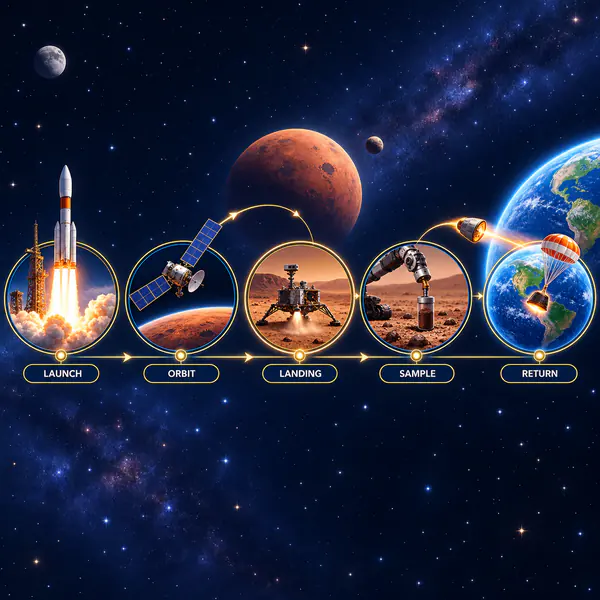
  • Timeline — Events are arranged chronologically along a clear axis to communicate order and intervals
    14

    Timeline

    Events are arranged chronologically along a clear axis to communicate order and intervals.

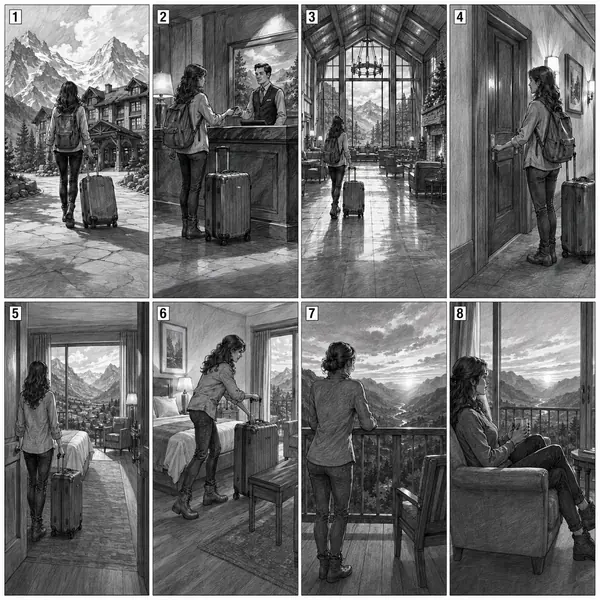
  • Storyboard — Sequential framed images plan key actions, compositions, and transitions before production begins
    15

    Storyboard

    Sequential framed images plan key actions, compositions, and transitions before production begins.

  • Before-and-After Split — One frame is divided into two states, making a transformation immediately comparable
    16

    Before-and-After Split

    One frame is divided into two states, making a transformation immediately comparable.

  • Side-by-Side Comparison — Two or more images receive equal adjacent space for direct feature or state comparison
    17

    Side-by-Side Comparison

    Two or more images receive equal adjacent space for direct feature or state comparison.

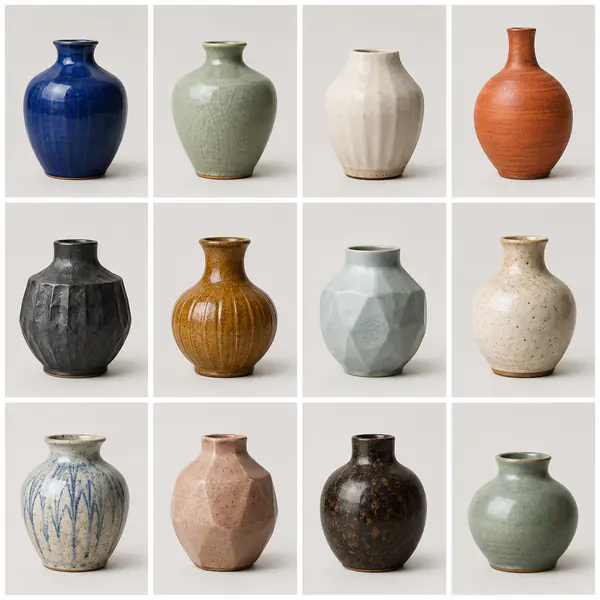
  • Grid Layout — Content aligns to regular rows and columns, creating order, rhythm, and easy scanning
    18

    Grid Layout

    Content aligns to regular rows and columns, creating order, rhythm, and easy scanning.

  • Magazine Spread — Facing editorial pages combine imagery, headlines, columns, captions, and deliberate reading flow
    19

    Magazine Spread

    Facing editorial pages combine imagery, headlines, columns, captions, and deliberate reading flow.

  • Poster Layout — A single vertical composition combines a focal image and concise information for distant viewing
    20

    Poster Layout

    A single vertical composition combines a focal image and concise information for distant viewing.

  • Product Hero Shot — One product dominates a carefully staged frame designed for maximum appeal and immediate recognition
    21

    Product Hero Shot

    One product dominates a carefully staged frame designed for maximum appeal and immediate recognition.

  • Packshot — A clean isolated product image accurately presents packaging, shape, color, and branding
    22

    Packshot

    A clean isolated product image accurately presents packaging, shape, color, and branding.

  • Flat Lay — Objects are arranged on one surface and photographed directly from above as a composition
    23

    Flat Lay

    Objects are arranged on one surface and photographed directly from above as a composition.

  • Lifestyle Product Scene — A product appears within an aspirational everyday situation that communicates its intended experience
    24

    Lifestyle Product Scene

    A product appears within an aspirational everyday situation that communicates its intended experience.

  • Mockup Presentation — Artwork or branding is realistically applied to an object or environment for evaluation
    25

    Mockup Presentation

    Artwork or branding is realistically applied to an object or environment for evaluation.